What Does AI Actually Remember About You? How to See It, Fix It, and Use It
Claude, ChatGPT, and Gemini build a memory of you as you work. Here's how to see what's in it, fix what's wrong, and use it to make AI better at your research.

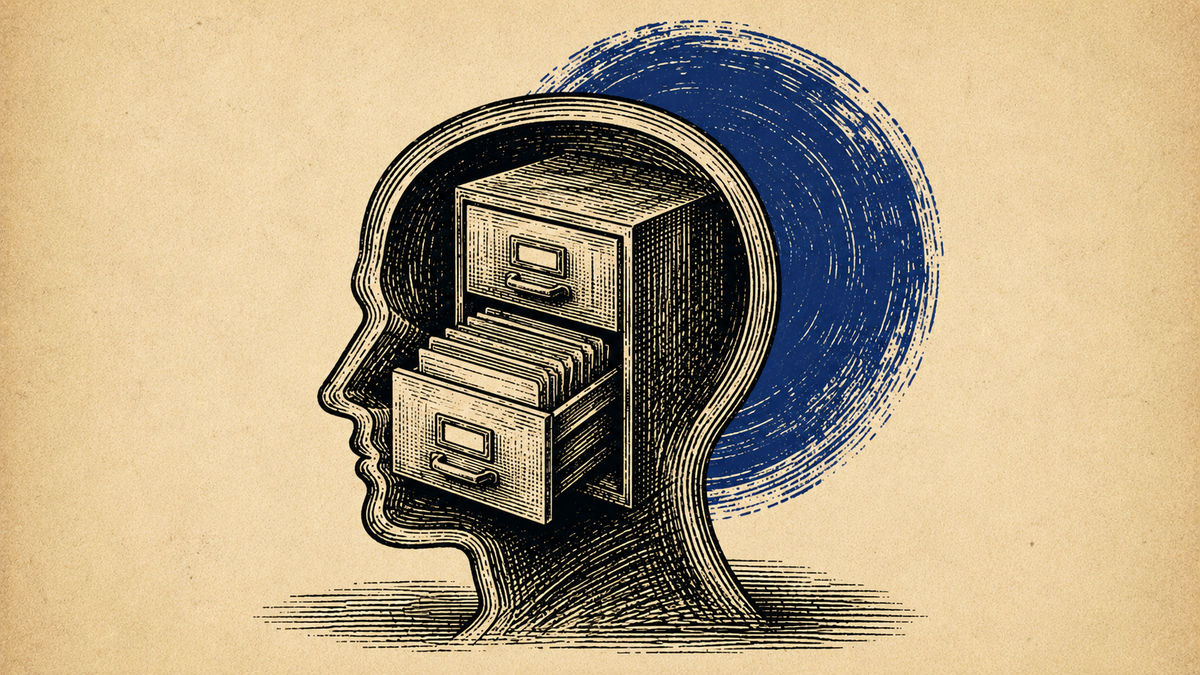
Your AI is keeping notes on you. Most family historians have never looked at them.
If you've used Claude, ChatGPT, or Gemini for more than a few weeks with memory on, the tool has been building a silent picture of who you are, what you research, and how you like your answers. That picture shapes every response before you type a word. You can read it. You can edit it. And once you manage it on purpose, it stops being a privacy worry and becomes the thing that makes AI useful across a long family history project.
This is the third piece in a set. The first covered what data is yours to protect. The second gave you a way to audit what a platform does with your data. This one is about the memory the tool is building on you, continually, in the background — and how to run it like a pro user instead of switching it off out of fear.
Three moves: see it, fix it, use it.
What Memory Actually Is
Every major AI tool now learns from your conversations over time. It is not storing a transcript of everything you have ever typed. It is building a summary — a working description of you that it carries into each new chat so it does not start from zero every session.
The three big tools do this a little differently.
On Claude, memory synthesizes a summary of your chat history about every 24 hours. When you delete a conversation, it drops out of the next synthesis. You can view, edit, and export the whole thing whenever you want. As of March 2026, memory and past-chat search are available on every plan, including free, so no one is locked out of trying this.
On ChatGPT, memory collects facts automatically and updates in real time. It works in two layers: Saved Memories you can see and clear, and implicit insights drawn from your chat history that you cannot view directly.
On Gemini, Saved Info plus connected Google apps serve the same function. Gemini can also pull context from Gmail, Drive, and Photos when those connections are on, which is powerful and worth knowing about.
The common thread: the tool holds a living description of you, and it is acting on that description right now.
The Advice You May Have Heard
A common recommendation is to turn memory off entirely and put everything in your custom instructions instead. The reasoning is privacy: you do not know exactly what it is collecting, so control everything yourself.
That advice is worth examining, because half of it is right and half of it quietly makes your AI worse.
What is true: the privacy concern is real for sensitive work. On ChatGPT, your conversations may be used to train the model unless you turn off "Improve the model for everyone" in Data Controls, and turning that off also disables chat history, which is a real tradeoff. For client financials, legal matters, or medical details, a temporary or incognito chat is the right tool, and both Claude and ChatGPT offer one. Claude's design is cleaner here: synthesis runs on a schedule, deleting a conversation removes it from the next synthesis, and you can read and edit the full memory at any time.
What is not true: that switching it all off makes you a better AI user.
Why "Turn It All Off" Backfires
When you turn memory off, you force yourself to re-explain who you are, what you are working on, and how you want responses every single session. To compensate, people load their custom instructions with everything memory would have handled — their role, their projects, their preferences, their whole research context.
That creates two problems.
Long instructions compete with your prompt. Every word spent on standing instructions is attention the tool is not giving the actual question you asked. The more you cram in, the less focus your real request gets.
Static instructions cannot adapt. Your instructions might say you research census records. But you moved on to drafting a chronicle two weeks ago. Memory would have noticed the shift. A frozen block of instructions did not.
The result is predictable: the output gets worse, and the tool takes the blame. That is not a privacy win. It is a setup problem wearing a privacy costume.
See It: Where Memory Lives on Each Tool
The single most useful thing you can do is open your memory and read it. Most people never have.
On Claude, go to Settings, then Capabilities, then Memory, then "View and edit memory." You can read the full summary, edit entries, tell Claude what to remember or forget, and reset it entirely.
On ChatGPT, go to Settings, then Personalization, then Memory. You can see saved memories, delete individual entries, clear everything, or turn it off.
On Gemini, go to Settings, then Saved Info. You can edit entries by hand, and connected Google apps feed context automatically.
Open yours now and read what is there. You will probably find a mix: things that are correct and useful, things that were true six months ago and are not anymore, and things you never actually said that the tool inferred. If you have been using AI for months with memory on and never looked, that summary has been steering every answer you have received. Seeing it explains a lot — including those moments when the tool seems to know something you did not tell it this session, or makes an assumption that feels slightly off.
Fix It: Read It, Then Teach It One True Thing
You do not have to open Settings to start. Paste this into the chat box:
What do you currently remember about me? List it back as a plain bullet list, and flag anything you're inferring rather than something I told you directly.
Read what comes back like it is someone else's description of you. Then correct it on the spot with one specific fact about your actual research:
Remember going forward that I research the [surname] line in [place], and my main project right now is [writing a chronicle / organizing records / a specific brick wall]. Forget anything that says I'm working on [old or wrong thing].
Ask the tool the same family history question before and after you do this. Before, it answers generically. After, it answers like it knows your family. That is the whole point of memory in one demonstration: two sentences turn a stranger into a research partner, and it stays that way across every future conversation.
Use It: The Monthly Habit
Managing memory is not a security audit. It is five minutes, once a month.
Open your memory. Read it like someone else's notes on you. Delete what is stale or wrong. Add one thing you want carried forward — just tell the tool, "Remember that I [fact]." On Claude, you can also edit the summary directly with the pencil icon, and changes take effect in your next conversation.
Keep memory holding the things that make AI genuinely useful to you: your writing preferences, your citation style, your research methodology, the lines you are working, your format rules. None of that is sensitive. All of it is what turns a generic assistant into one that knows your work.
When to Use Incognito or Temporary Chat
Both Claude and ChatGPT offer a mode where the conversation is not saved to memory or history. Use it for the specific conversations that involve genuinely sensitive material: client work, financial details, legal or medical context, anything about living people who have not consented.
Do not make it your default. Living in incognito is just turning the feature off with extra steps. Incognito is surgical — for particular conversations, not a way of life. The reason memory exists is that AI gets better at working with you the longer it works with you, and that compounding is exactly what a multi-year family history project needs.
The Real Shift
A neglected memory is a stranger you re-brief every morning. A well-kept one is a research assistant who remembers your family, your sources, and how you like to write and (this is the best part) gets sharper every time you sit down.
You do not protect your privacy by blinding the tool. You protect it by knowing what is in the memory, clearing what does not belong, and keeping the rest working for you. See it, fix it, use it. Then get back to the chronicle.