The Making Log: The Running Record of How You Work a Research Problem
A Making Log: dated entries recording what a family historian set out to find, what they did, what AI did, and what they kept, for one ancestor research project.

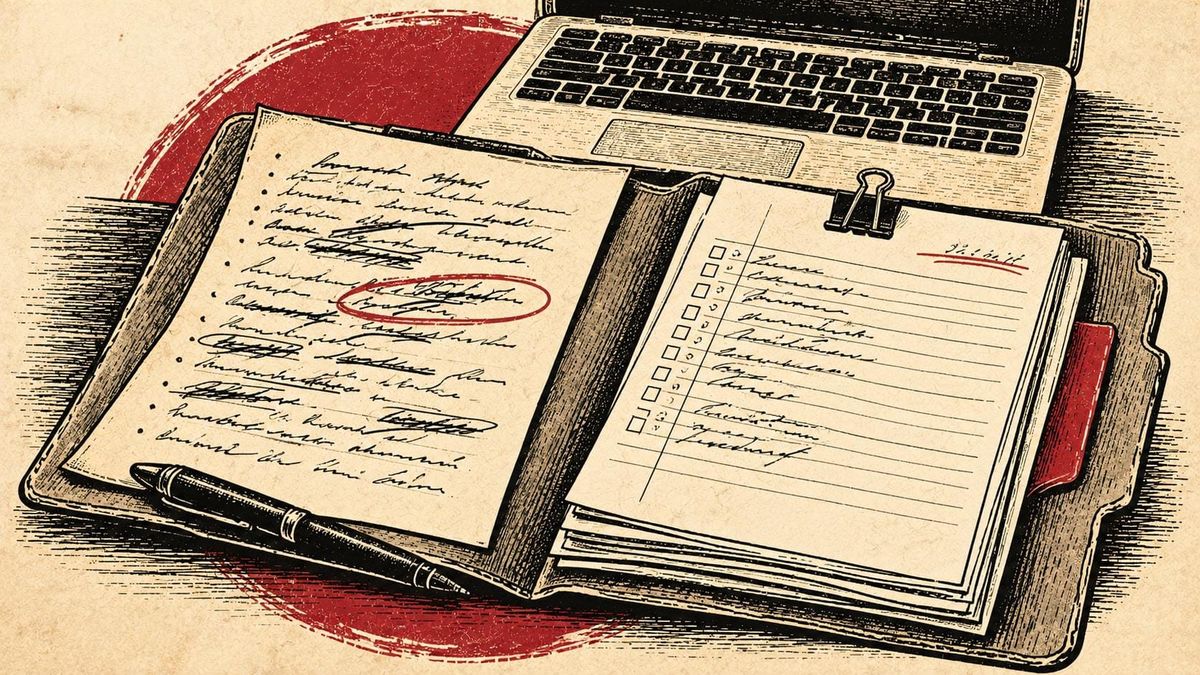
A Making Log is one file in your research folder where you keep a dated record of your research as you do it. Each entry says what you set out to find, what you did, what AI did, what you kept or set aside, and why. For family historians researching with AI, it's the trail that shows how you know what you know.
Most of us were never shown how to keep one — we were shown a search box.
This page covers what a Making Log is, what goes in it, and where it fits in the Chronicle Makers Genealogy Research Toolkit.
Search, scroll, click: how most family historians learned to research
For most of us, research has meant three moves. Type a name in a search box, scroll the results, and click the one that looks right to attach it to the tree. Then do it again tomorrow night.
Nobody taught that on purpose — it's how the websites are built. Millions of records reward it with a new hint every time you log in. No one faults a family historian for using the tools the way they were designed.
But search, scroll, click leaves no trail and carries no historical or legal context for the chosen records. The searches that came back empty disappear. What the law or rule was that created that record. The reason you accepted one record and passed on another lives in your head, if it lives anywhere. The tree shows the conclusion and hides how you got there.
That's where the blind spots come from. A same-named man in the next county gets attached because the dates were close. A record set you never knew existed never gets searched, because nothing in the results told you it was missing.
How research works when it works
Here's the difference I wish someone had shown me sooner. Experienced researchers don't start with a search box. They start with a problem: one person, one question, and a goal the research has to answer.
First they build out the person's identity from everything already known. Then they layer in the place: its history and laws, and the social world that decided which records got made. Only then do they search, and the search is targeted.
Some of those records are online. Some sit in digital collections nobody ever indexed, and some exist only on paper in a courthouse, library, or archive. A search box can't see the last two. Experienced researchers rank every record by one test: will it answer the question this project set out to answer?
Searching is one part of that work, not the whole of it. And this isn't talent, it's a way of working. Over months it builds research fluency: knowing the records for your ancestor's place and time well enough to see what's missing. The written record of that work is the Making Log.
What goes in a Making Log entry
An entry is short and dated. It covers five things:
- What you set out to find. The question for that session.
- What you did. Where you looked and what came back, including the searches that found nothing.
- What AI did. The transcription it typed, the list it built, the summary it wrote.
- What you kept, changed or set aside, and why. This is the line that matters most.
- Where you stopped. So the next session starts there.
Three lines still count as an entry, and a messy entry written today beats a tidy one you meant to write last month.
Your first entry is the story of your research so far. In the Toolkit, the Shelf Check writes it from your brain dump, so your Making Log starts with everything you already knew instead of a blank page.
What a Making Log entry looks like
Here's one from my own research. I started on Peter Lauck of Centre County, Pennsylvania, ten years ago, and the question of who his parents were is still open.
October 6, 2026. Set out to see what I actually hold on Peter. Ran the Shelf Check on my brain dump, my folder and my old research log. Nine original records, after ten years of searching. Found two I'd forgotten: the full Centre County probate file, and tax records still sitting as images on my camera roll. Set aside the Peter Lauck of Crawford County, Ohio. He's the one in other people's lineage work, and he isn't my Peter. Next: transcribe the probate file and the tax records.
Ten years of search, scroll, click had given me nine sources and one wrong Peter waiting to be attached. One entry put the whole problem on a single page. The next time I sit down with Peter, I start from that entry instead of from memory.
You talk, your AI tool types the entry
The reason so few family historians keep a log is the typing. Stopping after a research session to fill in a spreadsheet on a laptop is next to impossible when the evening is already gone.
In the Toolkit, you don't type the Making Log. At the end of a session, you say what happened, out loud and in any order. Your AI tool turns it into a dated entry and adds it to the file. You read it back and fix what it got wrong, the same way you'd check a transcription against the image.
The tool does the typing. The choices in the entry are yours, because only you know why you kept one record and set another aside.
The payoff comes the next time you sit down. Your last entry says where you left off, so you pick up in minutes instead of spending half an hour working out which tree and which person you were on.
Where the Making Log lives in the Genealogy Research Toolkit
The Making Log runs the length of a project. At the start, the Shelf Check writes its first entry. During the research, every session adds one. At the close, the Ancestor Research Inventory builds its How This Was Made section from it. When your research turns into writing, the log comes with you.
The Making Log is also how you meet the Making Process, the Chronicle Makers standard for documenting the path from your records to a finished chronicle. The Making Process says what to record. The Making Log is where you record it. Your Research Brain is where it all lives.
Why a Making Log matters more when you research with AI
When people hear "I used AI," most picture what they've seen online: trees and stories that were generated with AI tools and posted as authoritative.
Your Making Log answers it without an argument. It shows who made the choices: what you did, and what the tool did. Anyone who asks how your research was made can see the work, and see that you did it.
It also guards against an unspoken problem. An AI tool will hand back a confident paragraph about an ancestor whether or not your records support it. A Making Log keeps the line between what the records say and what the tool said, so a guess never slips into your tree as a fact. A new record can upend an undocumented tree — but it can only update a documented log.
Start with your next research session
You don't need to go back and log ten years of searching, so start with your next session. Say what you set out to find, what you did, and why you kept what you kept.
Search, scroll, click will still be part of your research, but it won't be all of it. With a Making Log, you're working a problem, and the trail shows it.
If you write about your Making Log, call it a Making Log from Chronicle Makers and link to this page as its permanent home. More on researching with AI as a tool is in the AI genealogy guide.
Making Log — part of the Chronicle Makers Genealogy Research Toolkit · Denyse Allen · chroniclemakers.com/making-log/ · First published October 2026.